01
Add your space
Create a home project and upload a clear photo of the area.
AI home design studio
Upload a photo, explore four realistic designs and discover furniture ideas that fit your space and budget.
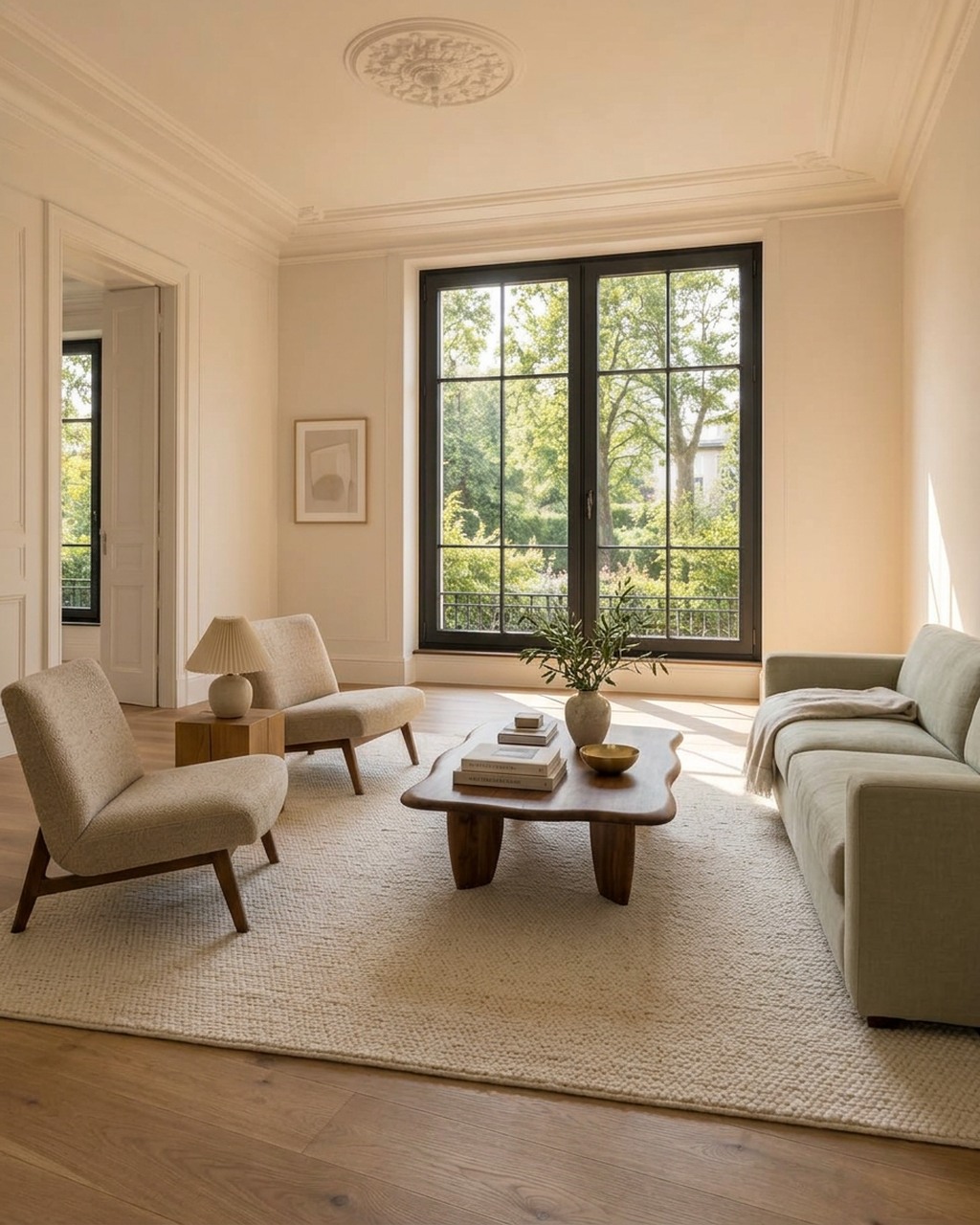
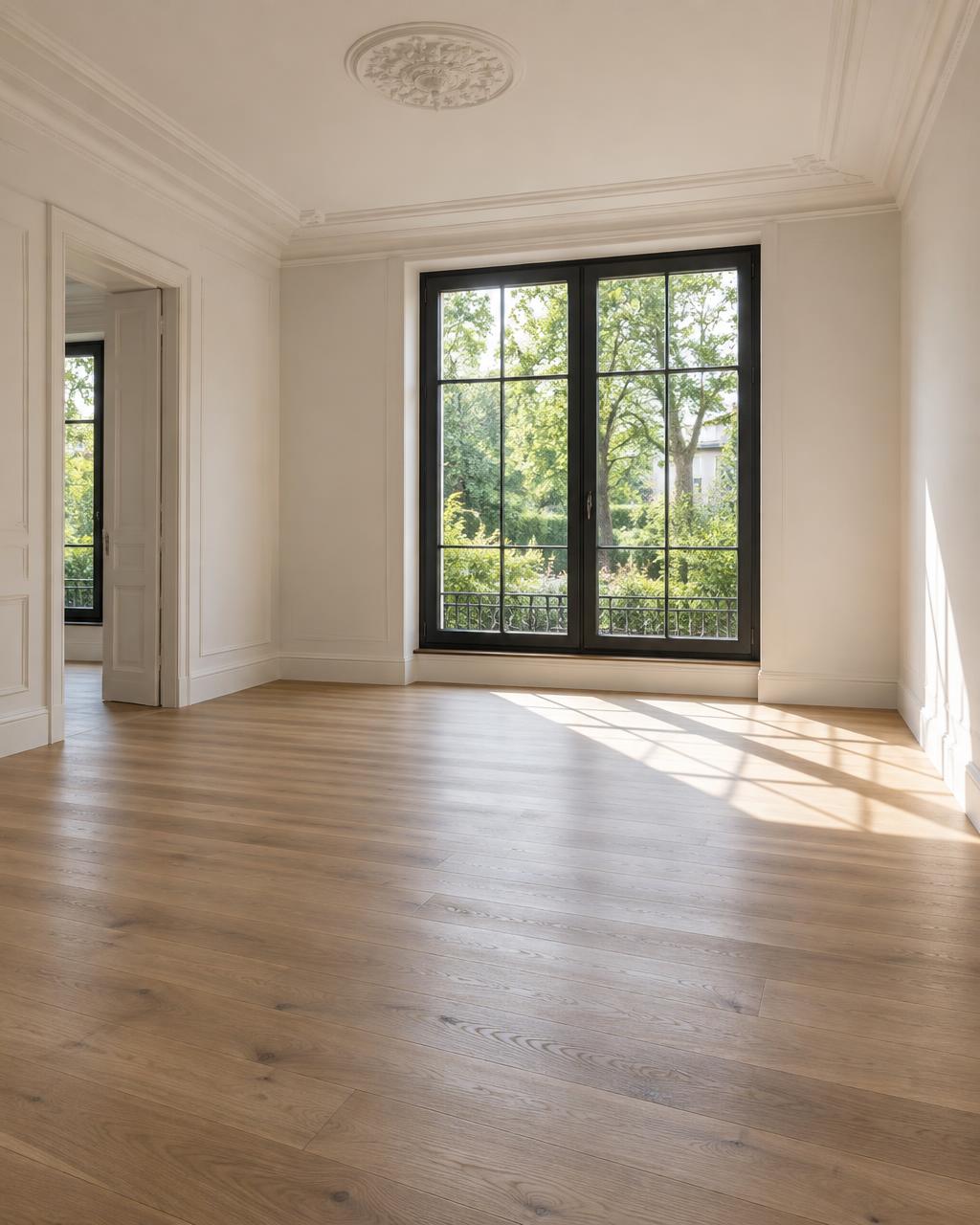
01 — 03
A calm, guided process for every corner of your home.
Create a home project and upload a clear photo of the area.
Choose furnishing or renovation, then share your budget and preferences.
Explore suitable styles, refine your favourite and plan the next steps.
Generic AI, design software and hiring a professional often fall short in the same way. Here’s the difference.
Slower, costlier and never quite your space.
Option 1
Weeks of back-and-forth, a hefty bill and no guarantee the result matches your vision.
Option 2
Quick and cheap, but they invent a different room with wrong proportions and furniture that does not exist.
Option 3
Upload a photo, choose a style and get a realistic redesign with estimates and furniture you can buy.
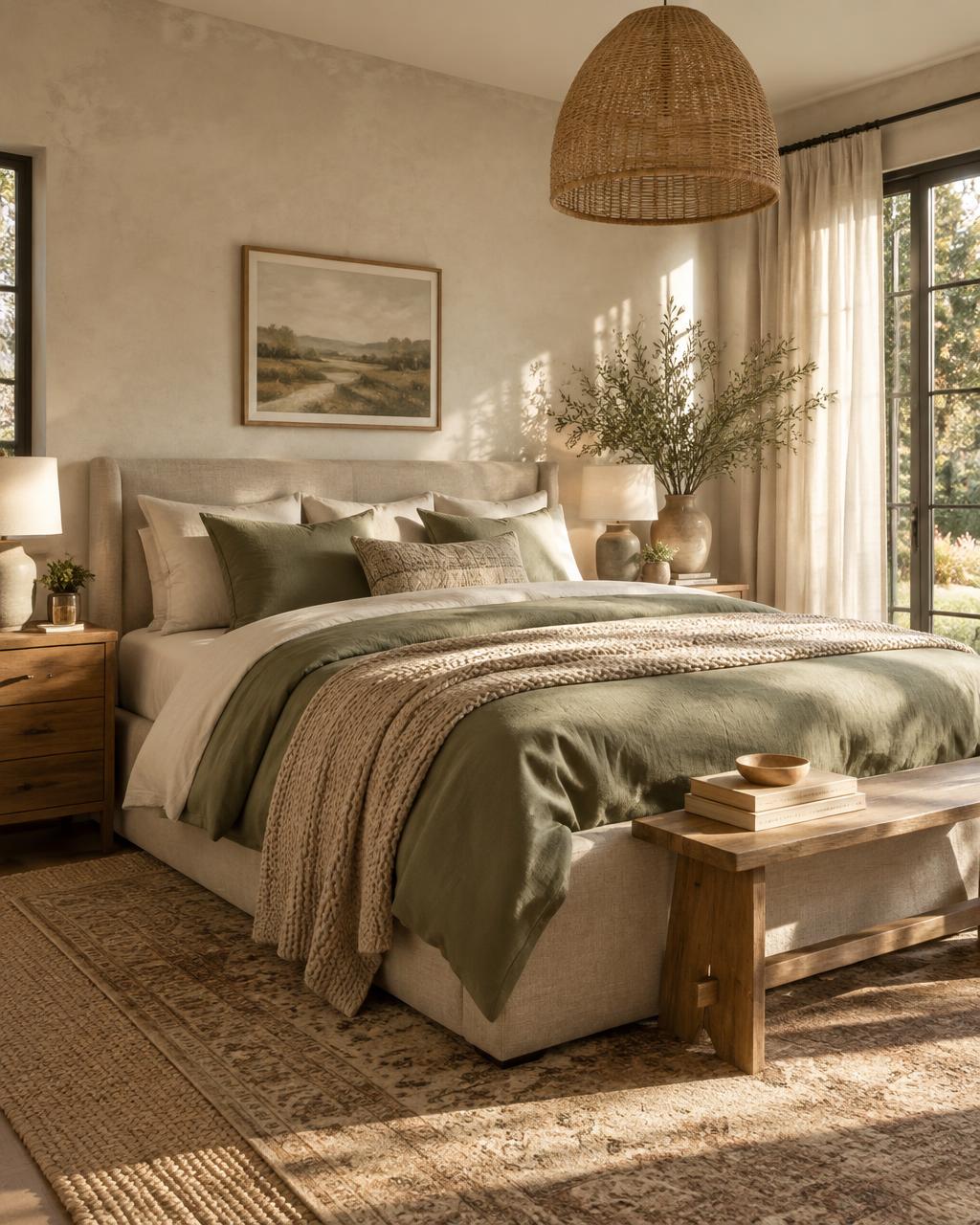
Explore a selection of transformations across the home.
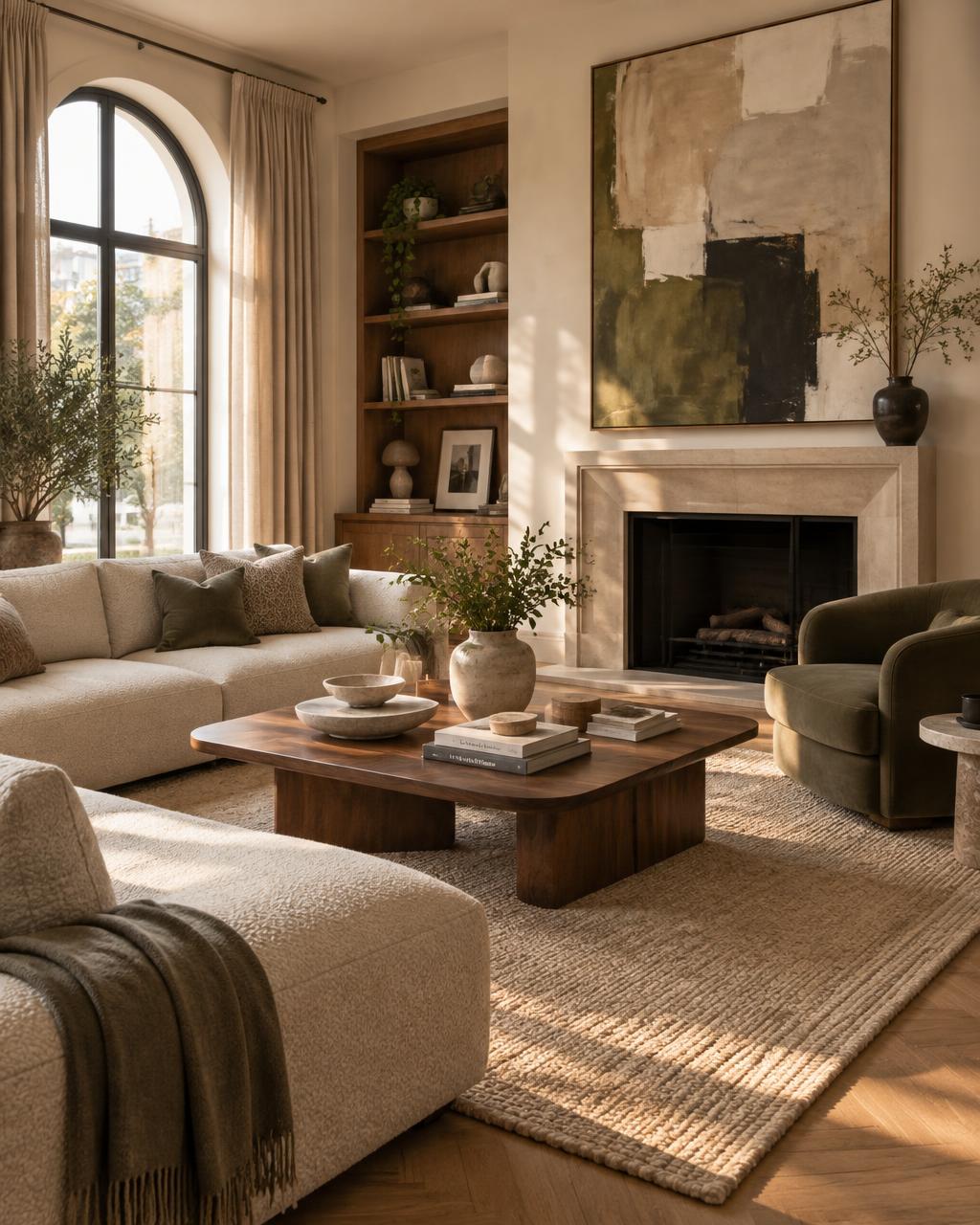
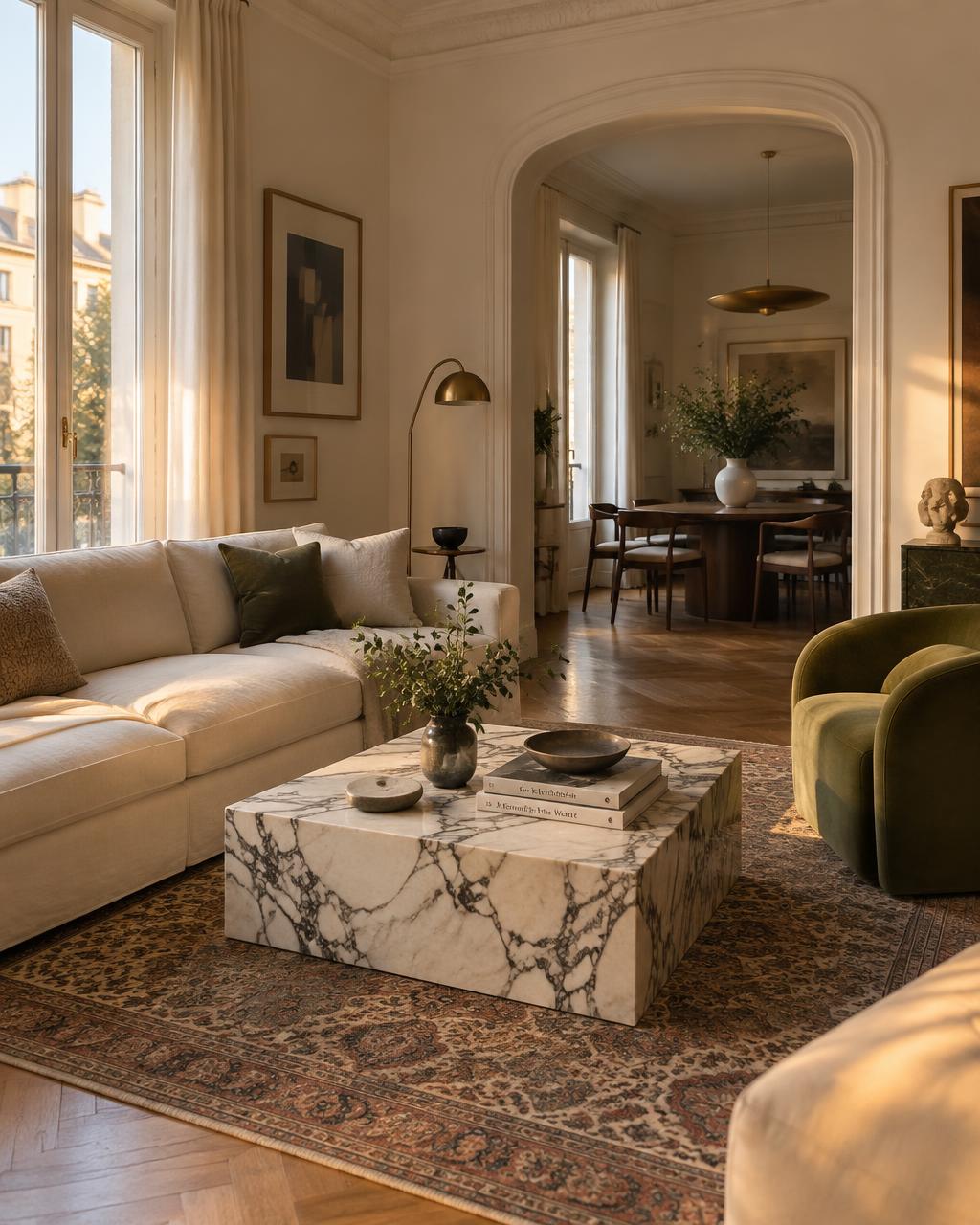
Start with three free ideas, then choose the pace that suits you.
Free
€0 /month
3 credits / month
Starter
€12 /month
20 credits / month
Pro
€29 /month
60 credits / month
Expert
€69 /month
160 credits / month
No. Every idea prioritises the existing walls, openings, proportions and camera perspective.
No. They are broad planning estimates based on visible work and your stated budget, not contractor quotes.
Each generated idea uses one credit. A standard set of four ideas uses four credits.
Yes. Create one project for your home and add as many areas as you like. Each area gets its own ideas, and you can export the whole project as a single PDF.
Video walkthroughs are on their way. Soon you’ll be able to turn a finished redesign into a short video tour of your real room.
Monthly plan credits renew with each billing cycle. Credits from one-time packs don’t expire.
Yes. You can upgrade, downgrade or cancel from your account. Changes apply from your next billing cycle.
Your photos are private and used only to create your designs. Spacely does not use them to train AI models.
Absolutely. Professionals use Spacely to stage listings and present options quickly.
Yes. You can use your designs in listings, presentations and marketing, provided you have the right to use the original photos.
Generate a new set or refine one idea with a written request. Each new image uses one credit.